
Build your own ChatGPT using Python is no longer something limited to big tech companies or research labs. Today, learners and developers can create their own AI chatbot using simple tools and free libraries. If you’ve ever been curious about how ChatGPT-style systems work, Python gives you an easy way to experiment with a basic version on your own.
In this guide, you’ll learn the key ideas, tools, and steps needed to build a simple conversational AI using Python.y
Build Your Own ChatGPT Using Python — What Does a ChatGPT-Style Chatbot Actually Do?
At its core, a ChatGPT-style chatbot is a program that reads what you type and replies in a way that makes sense. It uses AI techniques to recognize language patterns and figure out what kind of response fits the conversation.
- It takes the user’s message
- Understands what the text is saying
- Creates a reply
- Shows the response
Big commercial chatbots are much more advanced, but beginners can still build a smaller version that follows the same basic idea.
Why Python Is Ideal to Build Your Own ChatGPT Using Python
Python is a popular choice for building AI projects because it makes things easier and faster to test. Its simple style helps developers focus more on ideas instead of complicated code.
Some key benefits include:
- Easy-to-read and beginner-friendly syntax
- A large and helpful developer community
- Ready-to-use AI and machine learning libraries
- Quick testing and prototyping
Libraries like Transformers and PyTorch let developers use already trained language models, so they don’t have to build everything from the ground up.
Setting Up Your Environment to Build Your Own ChatGPT Using Python
To get started, you only need a few basic things set up:
- Python version 3.9 or newer installed on your computer
- A code editor like VS Code to write your program
- An internet connection to download the required models
Once these are ready, you can begin building your chatbot without much hassle.
Install the required libraries:
pip install transformers torchThis prepares your system to run a pretrained text generation model.
Creating a Simple Chatbot to Build Your Own ChatGPT Using Python
A beginner chatbot can be built in just a few lines of code. The idea is to load a language model and repeatedly accept user input.
Conceptual example:
from transformers import pipeline

chatbot = pipeline("text-generation", model="gpt2")

while True:
    user_input = input("You: ")
    response = chatbot(user_input, max_length=60)
    print("Bot:", response[0]['generated_text'])
This script uses a ready-made AI model to create text responses based on what the user types. It’s not an exact copy of ChatGPT, but it shows the basic idea of how a conversational AI reads input and generates replies.
Making your chatbot smarter
Once your basic chatbot is working, you can add more features to make it smarter and more useful.
For example, you can:
- Let it remember parts of the conversation
- Adjust prompts to get better replies
- Connect it to extra information sources
- Create a simple web interface using tools like Flask or FastAPI
- Add voice input and output
These upgrades help your chatbot behave more like real-world AI applications.
Understanding limitations
A simple do-it-yourself chatbot has some limitations you should know about.
For example:
- Its replies might not always be Consistent
- It may struggle to remember context in longer conversations
- Bigger models need stronger hardware to run smoothly
Professional AI systems handle these challenges using better infrastructure and fine-tuned models.
Conclusion
Building your own ChatGPT-style chatbot is a great way to start learning modern AI. Python makes it easier to begin, so you can quickly experiment and create simple intelligent systems.
Whether you’re learning for fun, education, or future projects, this kind of hands-on practice helps you develop skills that are useful in real-world AI work.
FAQs
1. Can a beginner really build a ChatGPT-style chatbot with Python?
Yes. You don’t need advanced AI knowledge to start. With basic Python skills and ready-made libraries, beginners can build a simple chatbot and gradually improve it.
2. Do I need powerful hardware to run a chatbot?
For small models, a normal computer is usually enough. Larger AI models may require stronger hardware or cloud services to run smoothly.
3. Is this chatbot the same as the real ChatGPT?
No. A beginner project demonstrates the core idea of conversational AI, but commercial systems are far more advanced and optimized.
4. Which libraries are best for building an AI chatbot in Python?
Popular choices include Transformers and PyTorch. They provide pretrained models that make development faster and easier.
5. Can I turn my chatbot into a web app?
Yes. You can use frameworks like Flask or FastAPI to create a simple web interface and make your chatbot accessible through a browser.
6. What should I learn next after building a basic chatbot?
You can explore natural language processing concepts, model fine-tuning, conversation memory, and user interface design to make your chatbot more capable.
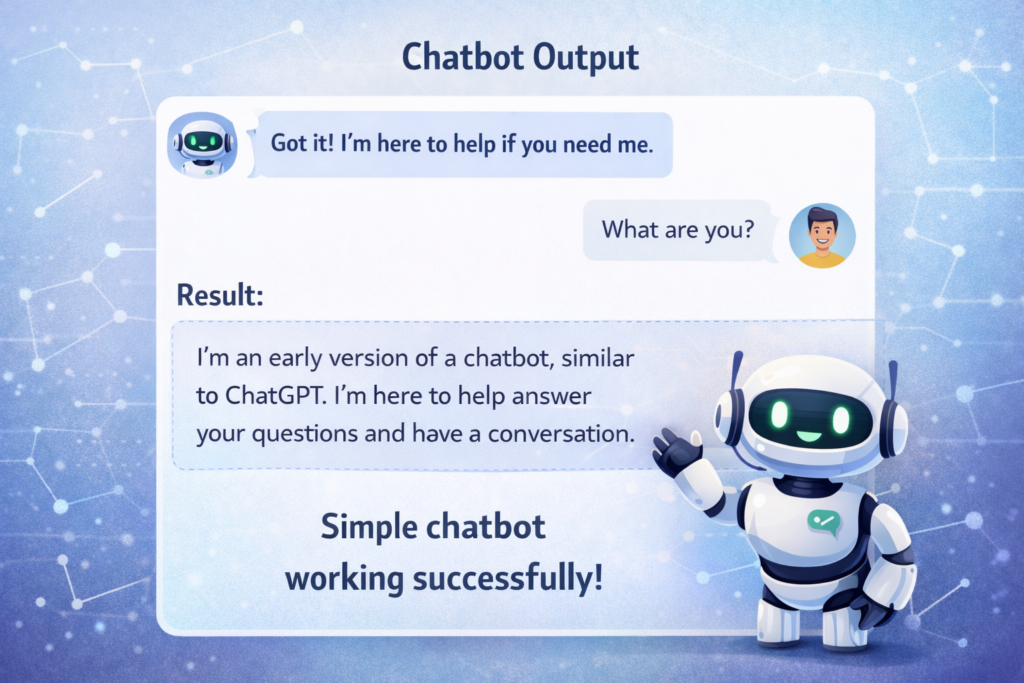
Result:
Post You May Also Like It
Impress Your Crush with Python: pickup line generator using python